Design that earns its keep
A website that looks good but doesn't convert is an expensive art project. We design for business outcomes — clear user journeys, strong information hierarchy, and interfaces that guide visitors toward the actions that matter.
Design that gets built, not filed away
We design in Figma, hand off with full specs, and stay involved through development. Nothing gets lost between Figma and production.
UX research & audit
User interviews, analytics review, heuristic evaluation, and competitor analysis. We find the real friction points before designing solutions to them.
Information architecture
Sitemap, content hierarchy, and user flow mapping. Before any visuals, we define where things live and how users move through the product.
Wireframes
Low and mid-fidelity wireframes for every key screen and state. We agree on structure and logic before moving to visual design — saving time and avoiding late-stage revisions.
High-fidelity Figma design
Pixel-perfect screens for all breakpoints, with interactive states, hover effects, and micro-interactions defined. You review and approve every screen before development starts.
Interactive prototype
A clickable prototype that simulates the real product experience. Use it for stakeholder sign-off, user testing, or developer reference. No imagination required.
Design system
Component library, token system, and usage documentation in Figma. Designed for reuse — your team can build new features without going back to scratch on every page.
From blank page to approved design
No surprises. You see and approve every stage before we move to the next one.
Understand before designing
User interviews or survey review, analytics audit if available, competitive benchmarking. We document findings and share them before touching a pixel.
Structure and user flows
Sitemap, content hierarchy, key user journeys. Everything mapped before visual design begins — agreement at this stage prevents expensive changes later.
Structure before style
Low-fidelity wireframes for all key screens. Reviewed and signed off before high-fidelity design begins. This is the fastest and cheapest stage to make structural changes.
Bringing the brand to screen
High-fidelity design applying your brand system — or building one from scratch. We present in context, in realistic mockups, not just flat Figma frames.
Two structured feedback rounds
Two rounds of feedback built into the project. Specific, structured — not "can we move things around and see." Each round has a clear scope and output.
Specs, assets, and availability
Full Figma file with specs, exported assets, and interaction notes. If we're building the product too, the design team stays involved throughout development.
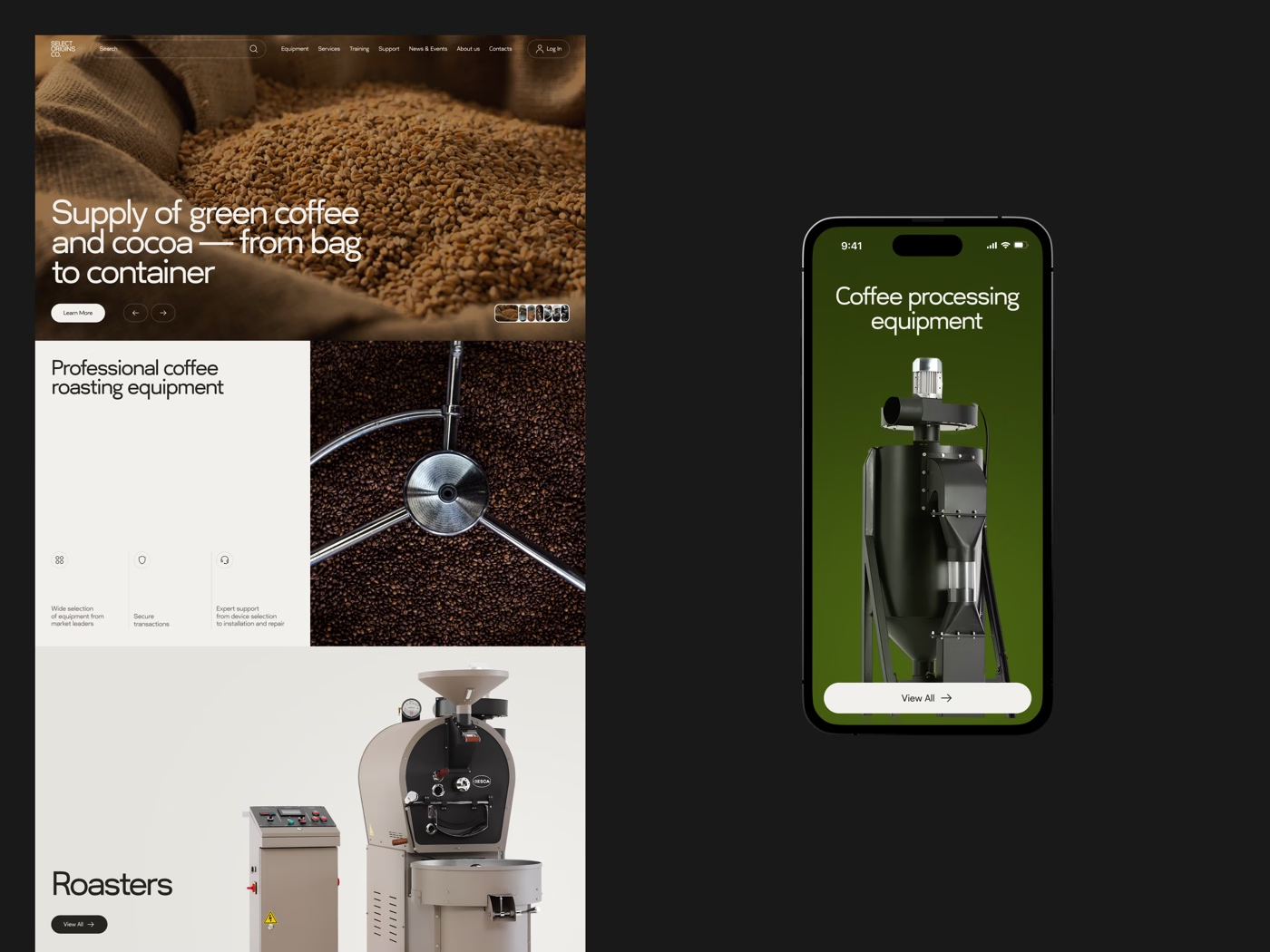
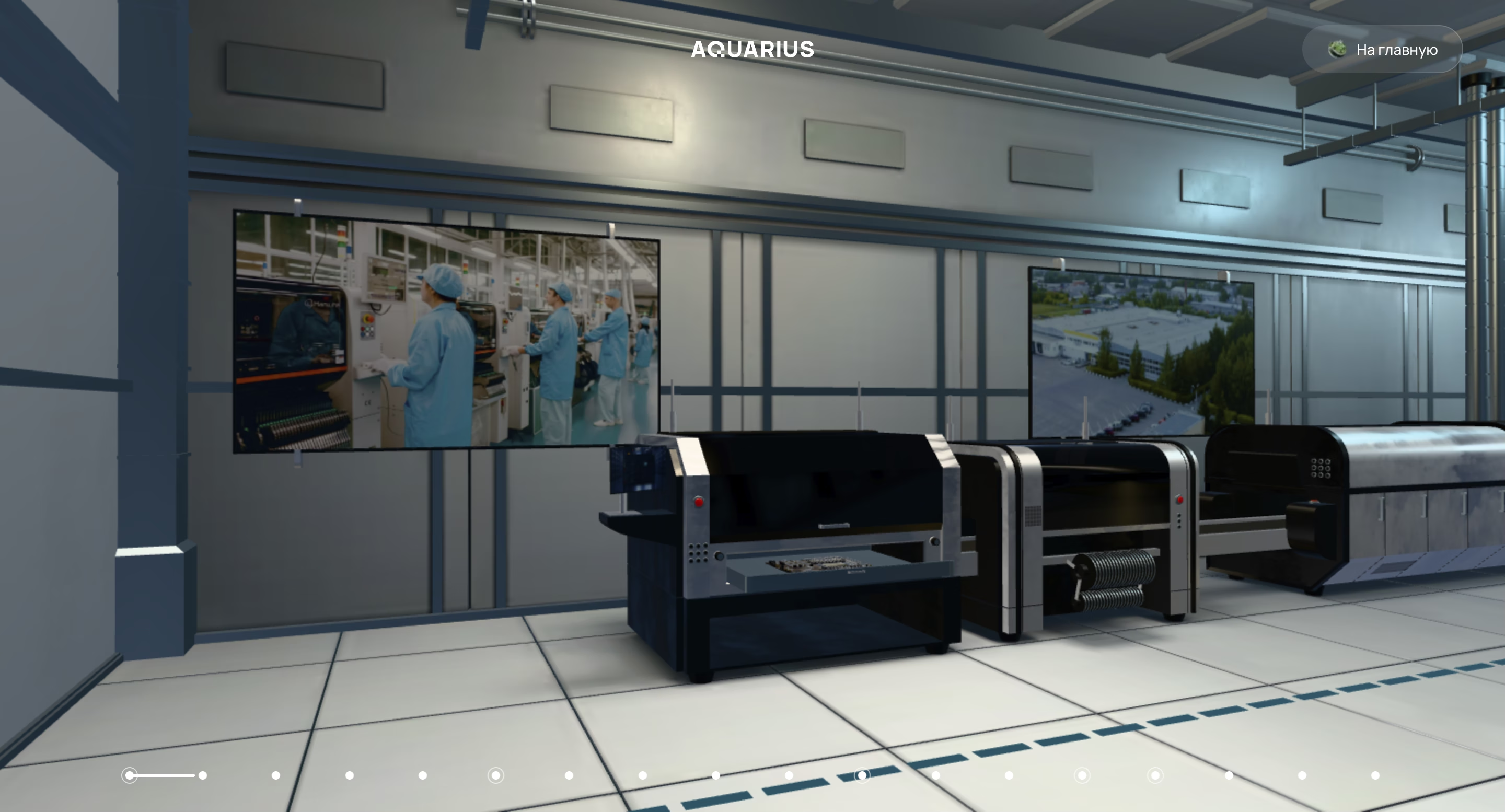
Design work we're proud of
View all cases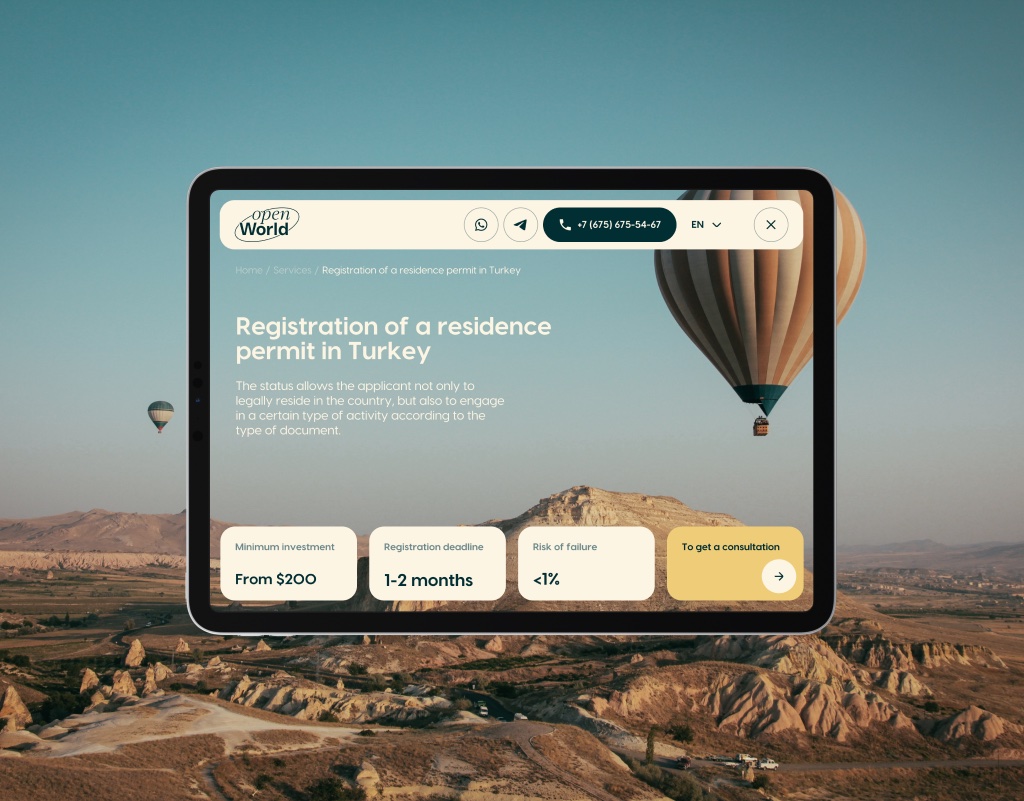
We're selective about which projects we take
- Building a new product and need design before development starts
- Your current site looks fine but doesn't convert — and you can't figure out why
- Last redesign was done without talking to users and it shows in the numbers
- You want a Figma file any developer can build from, without calls to explain it
- You want a site "like [competitor]" — same layout, your logo
- You need something live in under 4 weeks
- Not willing to involve users at any point in the process
- Design and dev are split between vendors and you want to keep it that way
"Early on they told us the problem wasn't visual — the information hierarchy was wrong and redesigning the look wouldn't fix it. Stung a bit, because we'd been blaming the design for six months. They were right. Site's been live four months, haven't touched the structure once."
Web design questions
we answer every week
Yes, all design work is done in Figma. You'll have access to the Figma file throughout the project — not just at the end. This means you can follow the process, leave comments, and see changes in real time. At the end, the master file is yours.
A design system is a library of reusable components (buttons, forms, cards, navigation) with defined rules for how they're used. If you're building a product that will grow and change — yes, you need one. It dramatically speeds up future design work and keeps everything consistent across your product. For a simple marketing site, a lighter component set is usually sufficient.
Yes — this is how we always work. Design is reviewed and approved before development begins. We never start building a screen that hasn't been signed off. This process eliminates expensive mid-development redesigns and means the final product matches the design exactly.
Both. Research informs every design decision — we don't skip the thinking to get to the visuals faster. For new products, we run discovery sessions and map user journeys before touching Figma. For redesigns, we audit your analytics and user flows first. Visual design without this foundation is just guessing.
Two structured feedback rounds are included in every design project. This is usually sufficient because we present work with clear rationale — you understand why decisions were made, not just what was made. Additional rounds are available if needed. Feedback is collected asynchronously, so you don't need to schedule a call for every comment.
Have a design project
in mind? Let's talk.
Share what you're building — we'll take a look and come back with honest thoughts and a rough approach. No commitment required.